
Managing Content Categories
Organize your blog posts by topic with categories — add, delete, and rearrange them from the Category menu in the left sidebar.
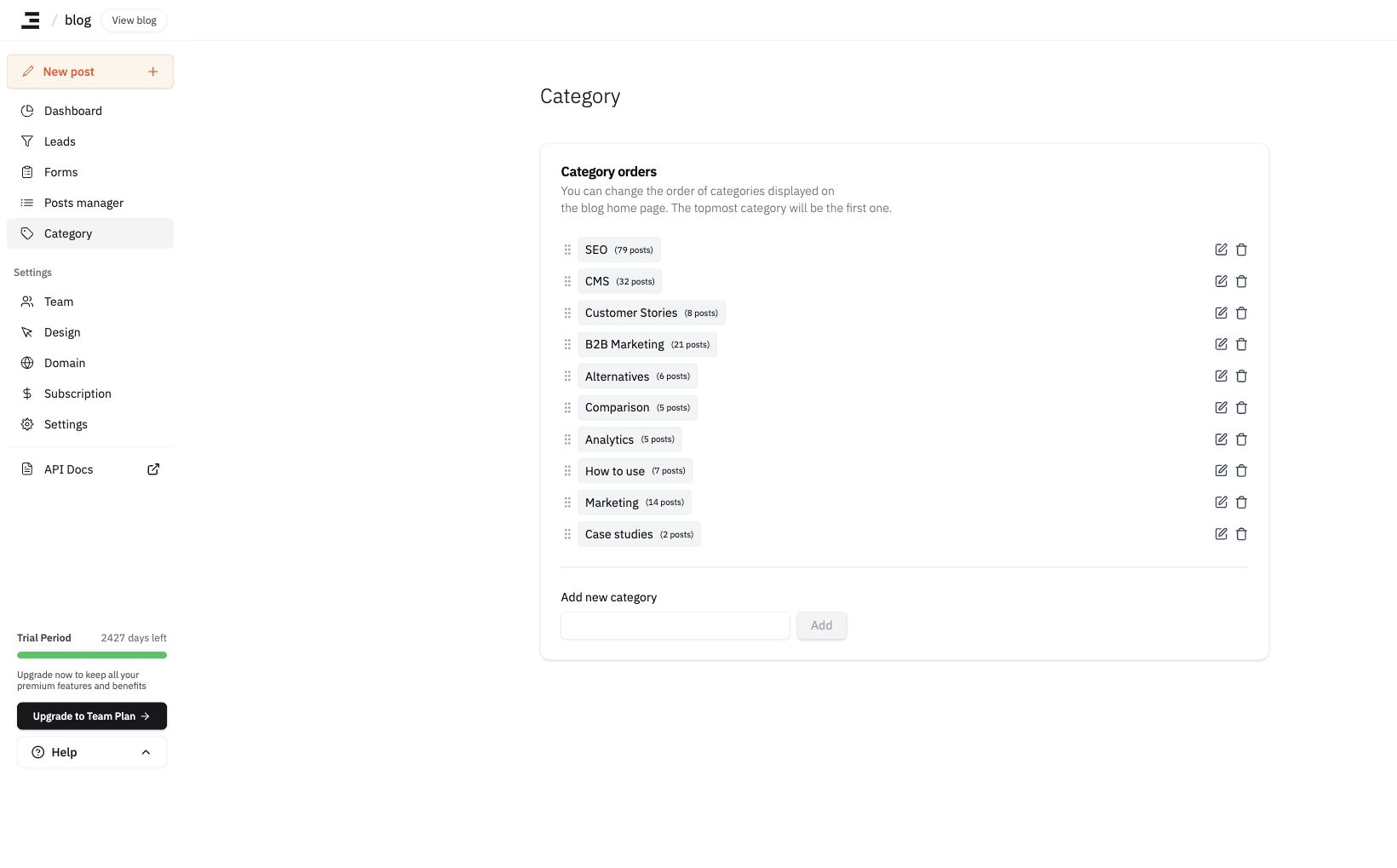
To organize your blog posts by topic, click Category in the left sidebar.
-
Click
Addto create a new category. -
Click the trash icon to delete an existing category.
- Deleting a category will not delete the posts associated with it.
-
You can drag and drop categories using the handle beside each category to rearrange their display order.
Categories use a single, flat structure. Nested (parent/child) categories are not supported. There is no limit on the number of categories you can create.
Last updated 2026-06-17